Wedding gift registry in India: a free UPI gift page
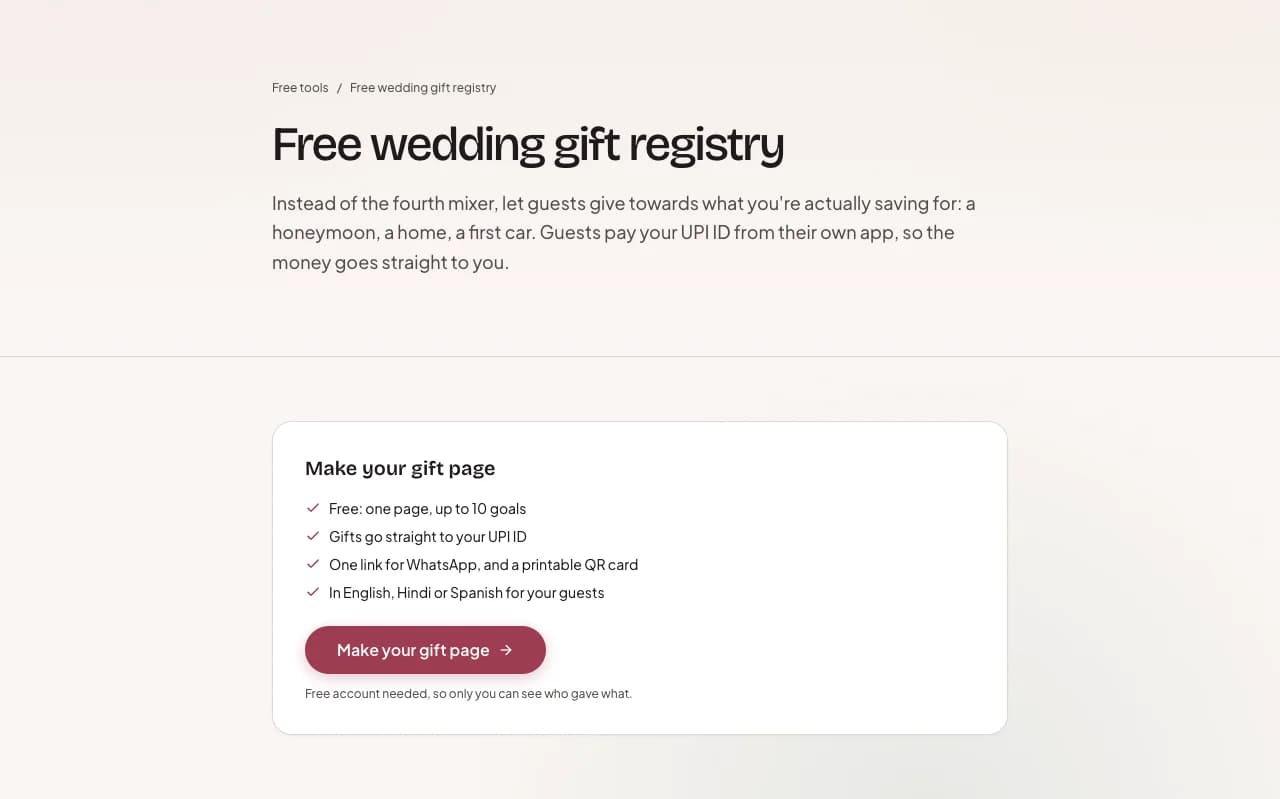
Make a free wedding gift page: list what you are saving for, and guests give any amount straight to your UPI ID. One link for WhatsApp, a QR card for the venue, and no cut taken from any gift.
Wedding Card Maker’s gift registry is a free gift page for your wedding. You list what you are saving for, such as a honeymoon or a first home, with an amount for each. Guests open one link, choose a goal and pay your UPI ID from their own UPI app, so the money goes straight to your bank account. You need a free account and no invitation.
It is a modern take on the shagun envelope. Instead of a fourth mixer and a pile of dinner sets, relatives who want to give can put their blessing towards something you will remember, and you can see who gave what and thank each of them properly.
Make your free wedding gift page
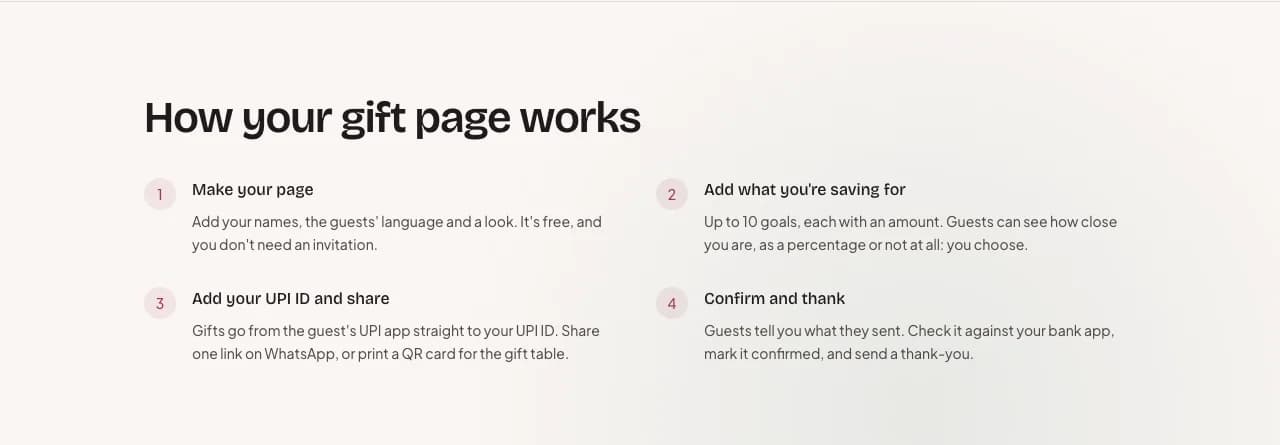
Step 1: Make your page
Choose Make your gift page and sign up free. Then give the page a title, usually your two names such as ‘Aanya & Kabir’, pick the language your guests will read it in (English, Hindi or Spanish), choose one of six looks and, if you like, add your wedding day. Every account gets one free gift page with up to 10 goals.
Step 2: Add what you are saving for
Add each goal with a name, an amount in rupees and an optional line for guests, such as ‘Honeymoon in Kerala, ₹2,50,000’ or ‘Our first sofa, ₹60,000’. You can offer up to four suggested amounts that guests tap, and they can always type their own.
- Show progress as a percentage, as the amount raised, or only the goal amount
- Choose whether gifts you haven’t confirmed yet count towards progress
- Switch on a wall of blessings if you like: it shows names and messages from gifts you have confirmed, never amounts, and guests can hide their name
Step 3: Add your UPI ID
Enter the UPI ID gifts should go to, and the name on your bank account exactly as your bank has it. Guests’ UPI apps show the bank’s name, and the page asks them to check it before they pay. Anyone who opens the page can see the UPI ID, so if you would rather not share your phone number, use a UPI ID that isn’t one.
How guests give
A guest picks a goal, chooses an amount, adds their name and an optional blessing, and can leave an email or phone number so you can thank them. They then pay from their own UPI app: copy your UPI ID, the amount and a short note, or scan the QR code from another screen. Finally they tap I’ve sent it, and the gift appears on your page for you to confirm.
There is no Pay button, on purpose. UPI apps don’t allow tap-to-pay links to a person’s UPI ID, so copying the ID or scanning with the camera is the route that works. One UPI payment can be between ₹1 and ₹1,00,000, and a QR code saved to the phone’s gallery works only up to ₹2,000, which the page tells guests.
Step 4: Share, confirm and thank
Send the gift link on WhatsApp, or print a gift QR card for the table at the venue: guests point their phone’s camera at it to open your page. When a gift is reported, check it against your bank app and mark it confirmed. Cash, a cheque or a bank transfer you received yourself can be recorded too, and is saved as confirmed, so the shagun envelopes sit in the same list.
Say thank you from each gift: on WhatsApp, from your own email, or by having us email it for you, which uses email credits. A thank-you message is written for you with the guest’s name and the goal, and you can change the wording. If you add your wedding day, gifts close 30 days after it, unless you pick another date.
Gift wishlist etiquette
- Say that gifts are optional: your guests’ presence and blessings come first
- Share the gift link in its own message, not in the first line of the invitation
- Pick goals with a story, like a honeymoon or a home, rather than a bare cash total
- Keep amounts private: the blessings wall never shows them, and percentage progress keeps it gentle
- Thank everyone, including the relatives who handed you an envelope
Who handles the money
Nobody but your guests and your bank. Wedding Card Maker never holds the money and takes no cut of any gift. The page only records what a guest says they sent, which is why you confirm each gift against your bank app. Only you can see who gave what, and the gift page is kept out of search engines.
If you also make your invitation here, it can have its own gift section that opens the same kind of page. How many goals an invitation’s gift section holds depends on your plan; the standalone gift page stays free.
How to make a digital wedding invitation: 4 steps
Free wedding tools: when to send invitations, what to write, and your hashtag
Plan your costs with the free wedding budget calculator
Quick answers
- Is the gift page free? Yes. Any signed-up account gets one free gift page with up to 10 goals, and no cut is taken from any gift.
- Does Wedding Card Maker handle the money? No. Guests pay your UPI ID from their own UPI app, straight to your bank account.
- Do I need a wedding invitation to use it? No. The gift page has its own link that you can share on WhatsApp or print as a QR card.
- Can guests see how much others gave? Only if you choose to show amounts. The blessings wall shows names and messages, never amounts.
- What is the most a guest can give? One UPI payment can be up to ₹1,00,000, and their bank may set a lower daily limit.
Written by Inviteeq Editorial, with care for every celebration. How we write and check these stories